
Industries / Non-profits
For non-profits
Books your board, funders and auditors can follow
ATLSX is accounting software you buy once and run on your own Windows server. With Business Premier you tag income and expenses by program and grant, set a budget for each program and compare it with actual results.
- Programs and grants with departments and jobs
- Budget versus actual for each program
- 1099s for contractors, payroll for staff
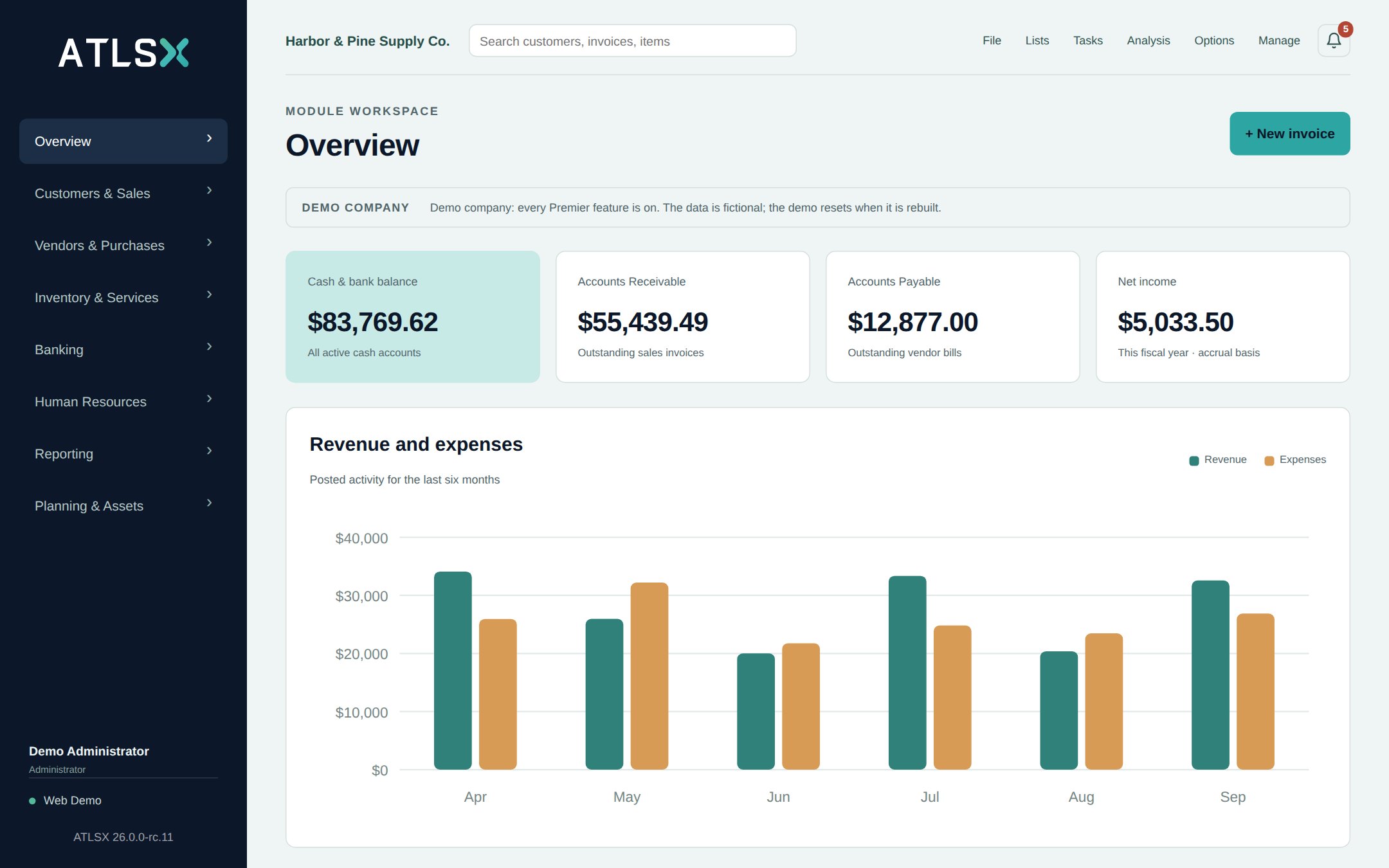
Track programs, grants and funds
In Business Premier, a department can stand for a program and a job can stand for a grant or a restricted gift. Choose them on each line of an invoice, bill, check or journal entry, and the amounts land in the right place in your reports.
More details
A job keeps its start and end dates, a revenue budget and a cost budget, so you can see what a grant has brought in and spent against its plan.
- Departments for programs, sites or other areas you report on
- Jobs for grants and contracts, each with start and end dates and revenue and cost budgets
- A profit and loss for any one program, and every program's totals side by side
- Journal entries with a department on each line, to share costs such as salaries across programs
- Close a job when the grant ends, so nothing more posts to it
- Attach the grant agreement and reports to the job
Budgets the board can follow
Enter a budget for the fiscal year, month by month or as an annual amount spread evenly, for the whole organization or for one program. The profit and loss compares actual results with the budget in dollars and percent, with a year-to-date column, for the whole organization or one program.
More details
- Monthly budgets by income and expense account
- A separate budget for each program
- Budget versus actual by month and year to date
- Profit and loss compared with the budget, the previous period or the same period last year
- Export to Excel for the board packet
Net assets in your chart of accounts
Restricted and unrestricted net assets are accounts in your chart of accounts, set up the way your accountant prefers. Keep net assets with and without donor restrictions in separate equity accounts, and record releases from restriction with journal entries.
More details
- Separate equity accounts for net assets with and without donor restrictions
- Multi-line journal entries with the supporting files attached
- Fixed assets with monthly depreciation and disposal, in Business Premier
Ready for your auditor and accountant
Posted entries are never edited or deleted. Mistakes are voided or reversed with a reason, and every change is written to the audit trail with the person who made it. Close the books through a period so nothing posts into it, and give your accountant the general ledger, a working trial balance and every report in CSV or Excel.
More details
- Audit trail filtered by period, user or record, exported to CSV or PDF
- Accounting periods closed through a date, with the reason recorded
- Voids and reversals instead of deletions
- Profit and loss on the accrual or cash basis
- Balance sheet, statement of cash flows and trial balance
- Working trial balance with blank adjustment columns
- Receipts and approvals attached to bills and journal entries
Contractors, staff and year-end forms
Mark contractors as 1099 vendors and ATLSX totals what you paid them in the year, prints the recipient copies and writes the file for the IRS e-file portal. Both editions include it.
More details
Business Premier adds payroll for your staff: pay runs from approved time or salary, taxes from tax tables you verify, payroll checks and stubs, direct deposit files for your bank, and W-2s with the upload file for the Social Security Administration.
- 1099-NEC and 1099-MISC totals by vendor
- Only payments to accounts that count for 1099 are included
- Pay runs are approved before they post
- Form 941 and 940 worksheets, deposit due dates and a filing calendar
- Staff expense claims, reimbursed separately or on the next paycheck
Banking and day-to-day work
Connect your bank and new transactions arrive every few hours, ready to match and reconcile. Rules post routine lines such as bank fees. Several people can work at once, each with a role that shows only what they need, so a treasurer can read the reports without posting anything.
More details
- Bank feeds or bank file import, in both editions
- Reconciliation that locks the matched statement lines
- Roles and permissions for staff, bookkeeper and treasurer
- Call customers Members or Clients if that fits your organization
- Scheduled backups of your company to a folder you choose
Pricing for non-profits
Registered 501(c)(3) organizations pay a special non-profit price for Business Standard or Business Premier on a first purchase. Before paying, you confirm your eligibility and enter your EIN, which we check against the IRS list of tax-exempt organizations. For a new account, the license and invoice are made out to your organization as the IRS lists it.
Both editions are a one-time price, and you own the license. Users are included and more can be added, and the first 12 months of updates are included. Start with Business Standard, and upgrading to Business Premier later has a reduced price.
Loading prices…
Buying for a larger team, or have questions first?
ATLSX Business Standard Edition and ATLSX Business Premier Edition. Prices in US dollars.
Compare Standard and Premier
Both editions include every accounting, banking (with bank feeds), sales tax and inventory feature, and imports from QuickBooks, Sage 50 and CSV. Premier adds payroll, app integrations (ADP and Sage HR) and the tools growing businesses need.
Questions
Is ATLSX fund accounting software?
Not in the sense of a dedicated fund accounting system. ATLSX is general accounting software. In Business Premier you track programs with departments and grants or restricted gifts with jobs, and you keep net assets with and without donor restrictions in separate equity accounts in your chart of accounts.
Ask your accountant whether that fits the reporting your organization needs.
Does ATLSX prepare Form 990 or a statement of functional expenses?
No. ATLSX gives your accountant the figures to work from: the profit and loss for each department, budget comparisons, the general ledger and a working trial balance, all of which export to Excel.
Does ATLSX manage donors or send donation receipts?
No. ATLSX keeps the books, not donor records. Keep your donors in the system you use today, and record gifts in ATLSX against the right income accounts, programs and grants.
Which edition do we need?
Business Premier, if you want to track programs or grants, set budgets, run payroll or depreciate fixed assets.
Business Standard covers the general ledger, invoices and bills, bank feeds, reconciliation, 1099s and financial reports, for organizations that need only those.
More questions
Who qualifies for the non-profit price?
Organizations recognized by the IRS as tax-exempt under section 501(c)(3) whose EIN is on the IRS list of tax-exempt organizations. The price is for your organization's first purchase, of either edition. At checkout you confirm your eligibility and enter your EIN, and we look it up.
Some churches and organizations covered by a group exemption are not on the IRS list. If that is your case, contact us before you buy.
Can we move from QuickBooks or Sage 50?
Yes. ATLSX imports a whole company from Sage 50, QuickBooks Online or QuickBooks Desktop: the chart of accounts, customers, vendors, items and posted history, checked account by account against a trial balance from the old books.
QuickBooks classes and Sage 50 jobs do not come across, so set up your programs and grants in ATLSX after the import.
What does payroll in Business Premier cover?
Hourly and salaried employees. ATLSX calculates federal, state and local taxes from tax tables you keep and verify, prints payroll checks and stubs, and writes direct deposit files for your bank. At year end it prepares W-2s and the upload file for the Social Security Administration.
ATLSX does not send money or file returns for you. You make the tax deposits and file the returns, and record them in ATLSX.